Only Up! Parkour is a thrilling platformer that challenges you to overcome obstacles and conquer new heights. The wide variety of climbing surfaces and structures offers a dynamic and constantly evolving experience, guaranteeing that each climb is unique.

The gameplay in Only Up! Parkour focuses on overcoming a wide range of obstacles and continuously ascending to higher altitudes. You will guide your character through a vertical labyrinth filled with obstacles and challenges, drawing inspiration from popular parkour games. Your success depends on your ability to react quickly, make precise jumps, and climb with agility to navigate the challenging ascent without any collisions or falls.
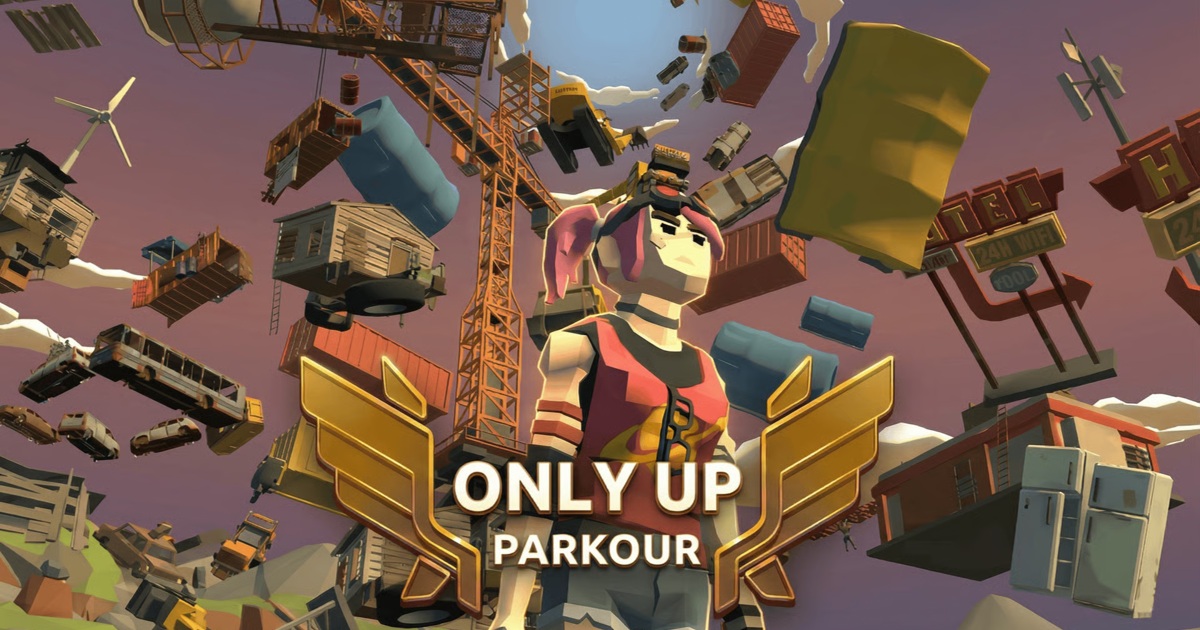
As you advance through the different levels of the game, you will face increasing levels of difficulty and a variety of new challenges. Prepare yourself to face a variety of challenges such as moving platforms, rotating obstacles, and other clever hurdles that will push your parkour skills to their limits. The objective is straightforward: to ascend to greater heights, increase speed, and establish unbeatable records by skillfully conquering the vertical playground. Only Up! Parkour provides an exhilarating experience that requires a combination of strategy and dexterity to conquer the increasingly difficult obstacles.

Did you have fun playing Only Up! Parkour? Please take a look at some other popular parkour games such as Parkour Boss and Parkour Block 3D.

How to play

  • Hold left mouse to rotate/camera view
  • WASD or arrow keys to move
  • Spacebar to jump

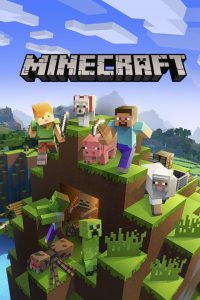
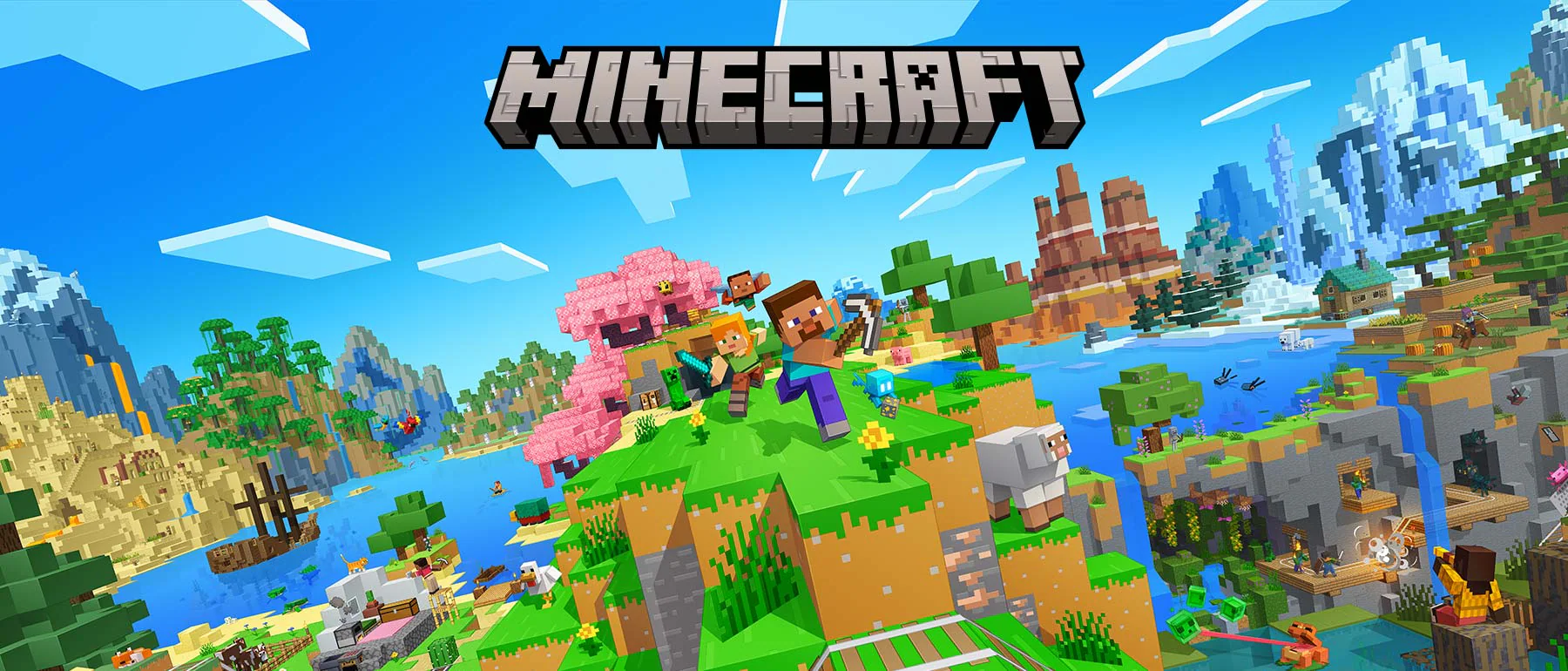
Minecraft is a great way to play your favorite building and adventure game for free online. Let yourself get carried away by the most magical and amazing world we’ve ever seen, and enjoy being creative in a huge open world that’s popular all over the world.

Minecraft is a video game in which players build and destroy three-dimensional worlds out of different kinds of blocks. Minecraft is all about letting the player explore, interact with, and change a map made of blocks that are one cubic meter in size. The environment has more than just blocks. It also has plants, mobs, and items. In the game, you can build, mine for ore, fight hostile mobs, and make new blocks and tools by gathering resources from around the world.

The game has two main modes: Survival and Creative. In Survival, players have to find their own food and things to build with. They also interact with mobs, or moving creatures that look like blocks. (Some of the dangerous ones are Creepers and Zombies.) In Creative, players are given supplies and don’t have to eat to stay alive. They can also break through any kind of block right away. Explore an infinite world full of details and build anything you can think of, from small huts to huge skyscrapers, while having complete freedom. As you try to stay alive in a dangerous world, you can gather all kinds of raw materials and food. The fun is endless! Are you ready to let your thoughts go wherever they want?

How do I get started with Minecraft?

If you already have a Minecraft account on your phone, Xbox One, Windows 10 PC, Nintendo Switch, or PlayStation 4, you can keep playing in this version without downloading any files. Players can connect to thousands of Minecraft online games (called “servers”), and some of these games have players fighting each other.

  • Make a whole new world.
  • Add your world’s name.
  • Choose either Creative or Survivor mode (you will have to survive the zombies at night).
  • Choose the level of trouble.
  • Play something and have fun.

Who created Minecraft?

This game was made by Mojang, and on September 15, 2014, it was bought by Microsoft for a total of $2500,000,000. The person who made Minecraft, Markus Persson, left the company because of this.

How to play

W,A,S,D: move
Left mouse button: in-game action
E: Inventory
TAB: menu